Regular clients are the best kind of client and the worst kind of admin. Twenty houses, each one a small invoice, each one slightly different, each one somehow needing a Thursday evening to sort out. Here is how a week looks when the invoicing takes less time than loading the car.
A day in the life
Meet Priya. She runs a two-person cleaning business in Reading with her friend Jo. They have 23 regular homes, a handful of end-of-tenancy jobs a month, and a WhatsApp group with clients that used to double as an invoicing system. "Did you pay for last Tuesday?" was a sentence she typed more than she would like to admit.
Monday, 7:40am, the car park
Jo is getting the mops out. Priya is sitting in the passenger seat with her phone, sending last week's invoices before the first house. It used to be a Sunday job on the laptop. Now it goes like this.
She taps Invoice. She starts typing "Harr" in Bill To and the Harrisons come up as a suggestion, address and email already filled. She taps + Saved item and picks "Weekly clean (3 hrs)" at £54. Done. Next: the Patels, saved item "Fortnightly clean (2 hrs)", £36, plus "Oven clean" at £45 because they asked last time. Next: the Okafors. Eleven invoices in nine minutes, each one numbered, each one with the logo Jo's nephew drew, each one sent with a Pay button.
Wednesday, 12:30pm, a bench in the park
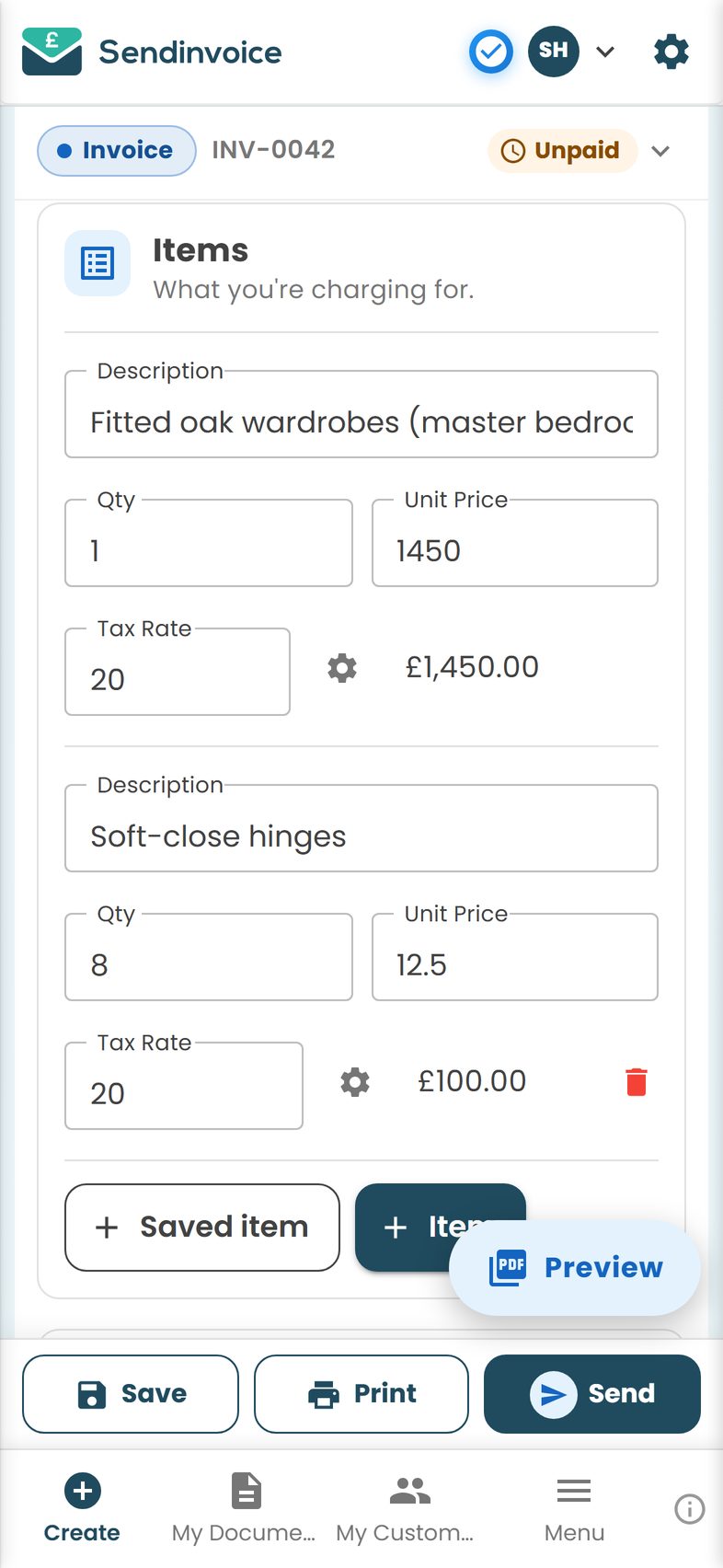
A new enquiry, an end-of-tenancy in a three-bed. Priya sends an estimate for £240 from the bench, with the lines broken out so the landlord can see what he is getting. He replies "go ahead" by four o'clock. On Friday, when the job is done and the oven is a colour it has not been for years, she opens the estimate and creates the invoice from it. New number, same lines, linked to the estimate so nobody can later wonder what was agreed.
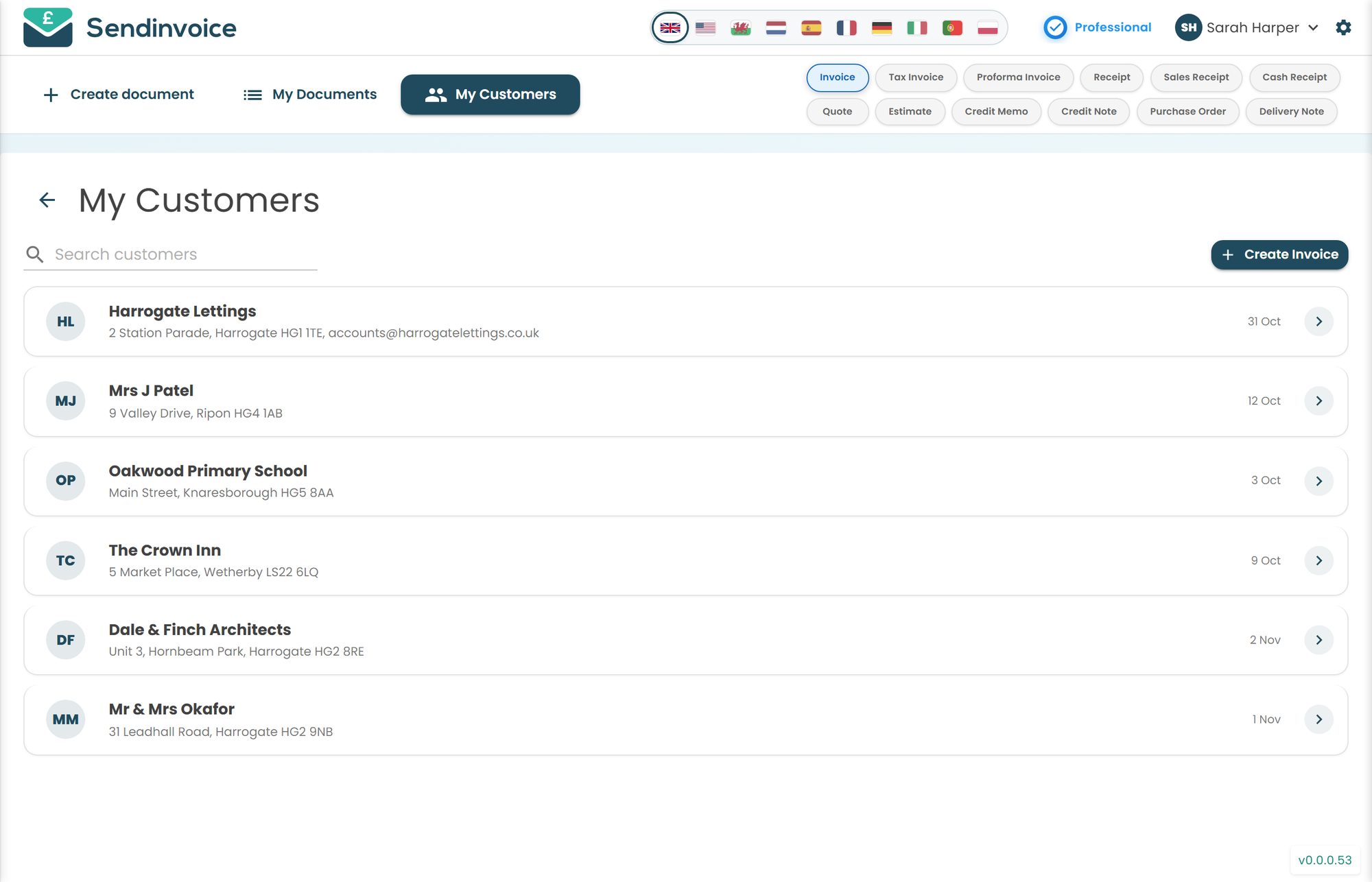
She opens My Customers on the laptop that evening to add his second property, because landlords breed properties. The list is where she now goes when she cannot remember a gate code; it lives in the notes against the customer.
Friday, 6:15pm, the kitchen table
Friday is money night, and it used to be the worst part of the week. Scrolling WhatsApp, cross-checking the bank app, working out who paid for what. Now it is a glance.
Priya opens My Documents on her phone and filters to Unpaid. Seventeen invoices went out this week; fourteen have the green tick. Of the three left, two are regulars who always pay by bank transfer on a Saturday, so she leaves them. One is a client who is now two weeks overdue and showing red. She taps it and sends the firmer reminder, the one that mentions the amount and the due date without being rude. She does not have to compose it. She does not have to feel awkward about it either, because it comes from "the system", which is a surprisingly useful thing for a system to be.
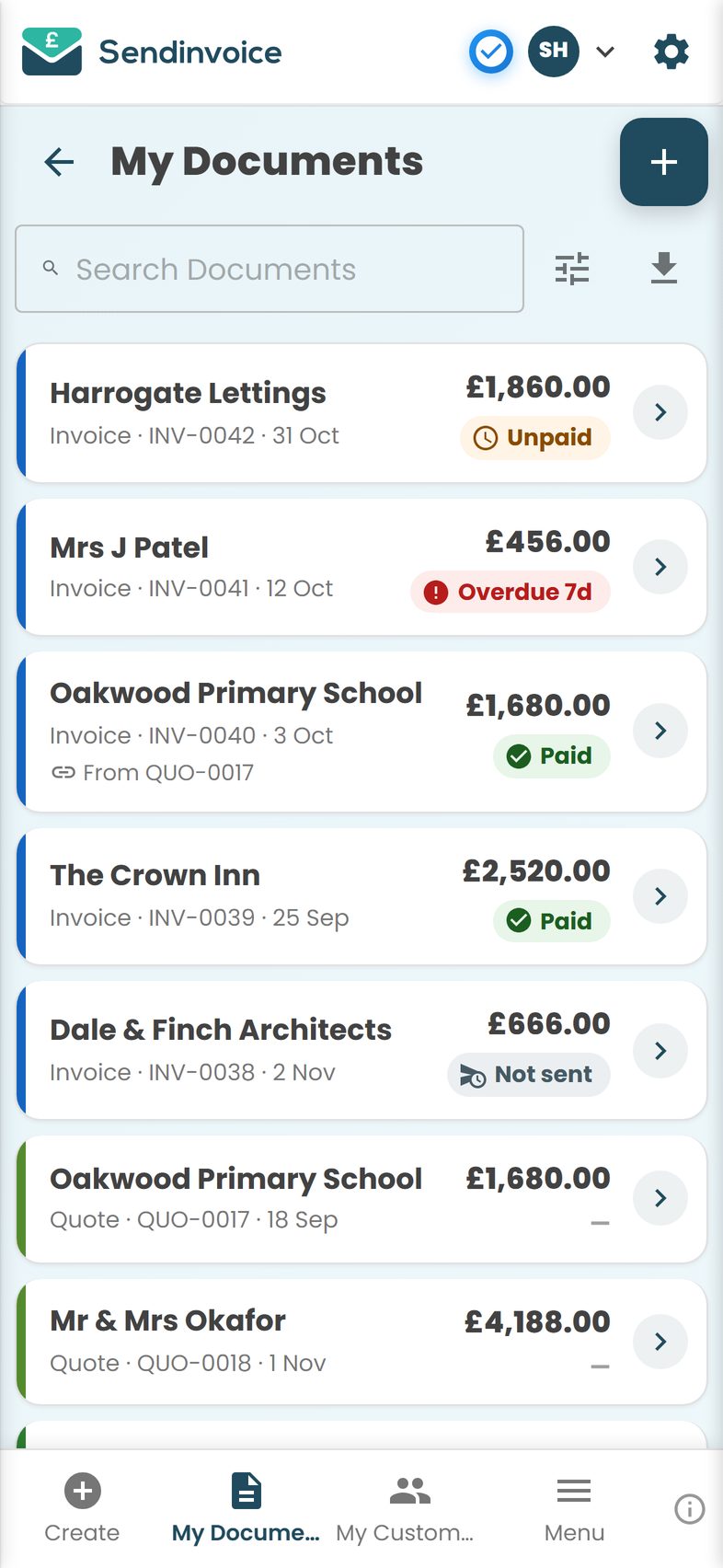
The Saturday transfers arrive. She marks them paid with a tap each. Then she goes to the pub with Jo, which is the point of all this.
What you get
- Saved items. Your standard cleans, extras and hourly rates saved once and added with a tap.
- Customer suggestions as you type. Start typing a name in Bill To and the details fill in.
- My Customers. Every client with contact details, searchable, exportable.
- Pay by card from the email. A Pay button in every invoice email and PDF, through Stripe. Paid invoices flip to Paid on their own.
- Mark as paid by hand. For the bank-transfer regulars and the cash-in-an-envelope regulars.
- Paid, Unpaid, Overdue, Part paid. Filter My Documents by period and status for the Friday check.
- Escalating reminders. Friendly, then firmer, without you having to write either.
- Estimates and quotes for one-off jobs. End-of-tenancy and deep cleans quoted on the spot, then turned into the invoice with Create from this.
- Receipts in one tap. A receipt from the invoice for anyone who needs one for their landlord or their expenses.
- Export to Excel or PDF. A month's invoices as a CSV for your accountant or a PDF report for yourself.
What it costs
The free preview is £0 with no card. Create, customise, download and print invoices and estimates with a preview watermark. If you hand paper invoices to clients and are paid in cash, that might honestly be enough.
Sending by email, the Pay button, reminders, payment status and the My Documents and My Customers lists are on the Professional plan at £5 a month, cancel any time. Online card payments carry a 0.2% platform fee on successful payments plus Stripe's own fee; on a £54 weekly clean that is about 11p to SendInvoice. For a business sending 60 or 70 small invoices a month, the flat fee matters: services that take a percentage of every card payment, 2.5% and up at the time of writing, would cost more than the whole subscription on a single week's cleans.
The one thing SendInvoice does not do is send invoices on a schedule by itself. Priya's nine-minute Monday is the trade-off, and she says she prefers seeing each one go.
Do this in SendInvoice
Set up your saved items and your regulars once, then invoice the whole week from the car park on Monday morning. Friday's money check becomes a glance at one list.
Create a free invoice See the £5/month planFrequently asked questions
Can SendInvoice send my invoices automatically every week?
No. SendInvoice does not have recurring or scheduled invoices. What it does have is saved items and customer suggestions, so a weekly invoice for a regular client takes a few taps: pick the customer, add the saved item, send. Most people find that quicker than managing a schedule.
I have a lot of small invoices. Will the list get messy?
My Documents has search, filters by period, status, document type and currency, and an export to Excel (CSV) or a PDF report. Filtering to "Unpaid, last month" is the usual Friday habit.
Some clients pay cash. How do I record that?
Open the invoice and tap Mark as paid. If they want something for their records, create a receipt from the invoice in one tap and hand it over by email.
I am not VAT registered. Is that a problem?
Not at all. Most small cleaning and gardening businesses are below the VAT threshold. Leave the tax fields empty and do not show VAT. If you do register, add your VAT number and rates in Settings. Check with your accountant or HMRC if you are unsure.
Can my colleague use it too?
SendInvoice is a single sign-in, not a multi-user team product. Many two-person businesses share one account on the phone that handles the admin, which works well when one person does the invoicing.